
Business VPN for UK companies (2026): security, hybrid work & UK GDPR
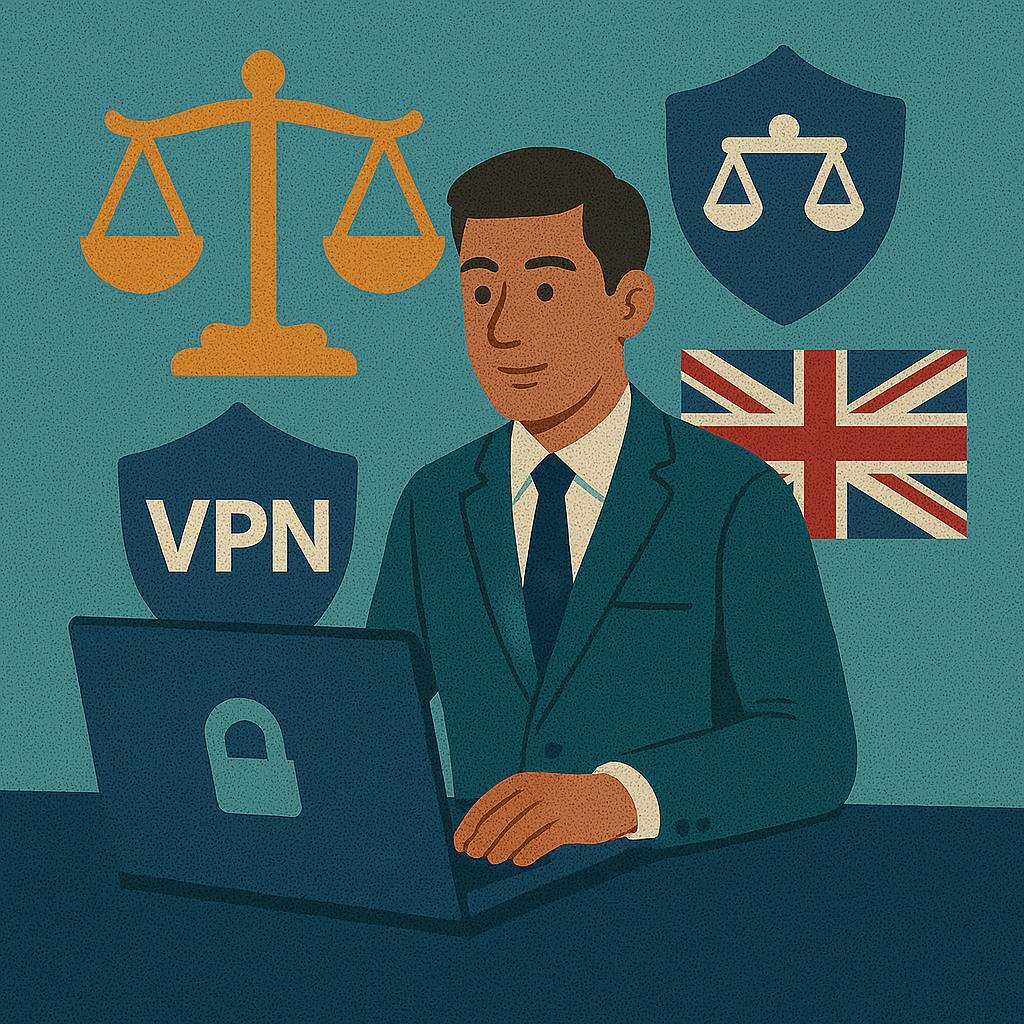
A business VPN is not just “a VPN subscription for a team”. For UK organisations, it is a practical way to apply reasonable security measures for hybrid work — protecting data in transit, tightening access to internal tools, and reducing the chance of a reportable incident. This guide is written specifically for UK GDPR and the expectations of the ICO (Information Commissioner’s Office), with a UK-first mindset: clarity, risk reduction, and value for money.
Recommended: quick deployment for UK teams
When your staff work from home, client sites, or cafés, you need a VPN that is easy to roll out and simple to manage. Compare these providers based on policy controls, UK/EU locations, and admin features.
Disclosure: affiliate links — no extra cost to you.
What is a business VPN (and what it is not)
Key takeaway: It is an access-control layer: encryption + identity + policies + visibility.
A VPN creates an encrypted tunnel between a device and a trusted gateway. In business, the goal is not “changing your IP”, but controlling who can access systems, from where, and under which conditions. That is why business-oriented solutions focus on roles, onboarding/offboarding, policy enforcement, and audit-friendly controls.
If you need a quick refresher on how tunnels and protocols work, start with What is a VPN? and then check VPN protocols.
Diagram: secure UK business infrastructure (hybrid workplace)
Key takeaway: A business VPN protects hybrid work by combining encryption with identity checks and segmented access.
VPN deployment models for UK SMEs (data-driven view)
Key takeaway: UK SMEs usually win with SaaS VPN for speed; self-hosted wins only if you can maintain it properly.
| Model | SaaS VPN (e.g., managed business VPN) | Self-hosted (VPS + WireGuard) | SD‑WAN / hardware appliance |
|---|---|---|---|
| Best for | Small/medium teams, agencies, fast rollouts | Tech-heavy startups with internal ops capacity | Large enterprises with dedicated IT teams |
| Setup time | < 15 minutes to pilot | 2–4 hours (plus hardening) | Weeks (design + procurement) |
| Maintenance | Low (provider managed) | High (updates, monitoring, incident response) | High (operations + vendor lifecycle) |
| UK GDPR angle | Policies and admin controls built in | Compliance is on you (documentation, logs) | Maximum control — but requires governance |
| Cost style | Per-user pricing in £ (varies by plan) | VPS + time (hidden cost) | CapEx + ongoing contracts |
Quick decision guide
Protocols in 2026: performance for UK fibre & 5G
Key takeaway: WireGuard is the default pick for speed; OpenVPN is for compatibility; IKEv2 is excellent for mobile.
| Protocol | Speed rating | Security | UK compatibility |
|---|---|---|---|
| WireGuard | ⚡ 5/5 | High | Excellent for fibre / 5G and modern clients |
| OpenVPN | 🆗 3/5 | High | Great for legacy setups and restrictive networks |
| IKEv2/IPSec | 🆗 4/5 | High | Best for mobile “on‑the‑go” switching networks |
For deeper tuning, see optimal VPN settings and run a practical check with our speed test guide.
ICO expectations & data protection (UK GDPR in real life)
Key takeaway: A VPN helps you demonstrate “appropriate measures” by reducing exposure on untrusted networks.
After Brexit, UK GDPR applies (alongside the UK Data Protection Act 2018). The language is familiar: organisations must implement “appropriate technical and organisational measures”. In practice, that includes protecting personal data when staff work outside controlled office networks.
A common UK scenario is hybrid work on public networks — London Underground Wi‑Fi, train stations, airports, or a quick session in Costa Coffee. A business VPN reduces risk by encrypting traffic and enforcing access policies, which can materially lower the chance of a data breach or credential theft.
| Risk | Typical UK hybrid-work example | How a business VPN helps |
|---|---|---|
| Traffic interception | Untrusted Wi‑Fi hotspot captures sessions | Encrypts data in transit (tunnel) |
| Unauthorised access | Shared credentials or weak access controls | Centralised user control + MFA/SSO policies |
| Operational disruption | Account takeover blocks business tools | Dedicated IP + whitelisting reduces attack surface |
UK GDPR-friendly workflow (simple, auditable)
Two practical additions often used in UK companies: MFA/2FA and a policy-tested DNS leak check. For field workers, the public Wi‑Fi guide is worth a quick read.
Implementation checklist (7 steps)
Key takeaway: Pilot first, measure impact, then scale — UK teams like predictable rollouts.
- Define access scope: who needs VPN access, which apps (finance, HR, CRM), and which data types.
- Choose the model: SaaS vs self-hosted vs hardware — based on capacity and audit needs.
- Pick locations: UK-first gateways (London) for low latency; EU options if your workflow needs them.
- Enable identity controls: enforce MFA/SSO, roles, and a clean offboarding process.
- Set policies: kill switch on laptops; split tunnelling only where documented and justified.
- Run a pilot: 10–20 users; test speed, stability, and support response.
- Document & review: lightweight policies and quarterly checks (keeps ICO questions easy).
If your team also needs network-wide coverage (home office routers), see VPN on router setup. If you require stable access rules, read dedicated IP VPN.
Video: business VPN explained (official)
Short official overview you can share internally as a “why this matters” explainer.
If the video does not load: watch on YouTube.
Ready to roll out a business VPN?
Focus on admin controls, predictable performance, and policies you can explain in plain English. Test providers against your checklist — and keep the rollout boring (boring is good in security).
FAQ
Is a VPN required for UK GDPR compliance?
Not explicitly — but UK GDPR expects appropriate security measures. If staff access personal data over public or home networks, a business VPN is one of the most practical measures for securing data in transit and reducing exposure.
Will a business VPN slow down UK broadband connections?
With modern protocols such as WireGuard, speed impact is usually small. The biggest factors are server distance, device performance, and how heavily the gateway is loaded. Test with a pilot and measure real workloads.
Do UK companies need a dedicated (static) IP?
If you use IP whitelisting for admin tools, finance systems, or internal dashboards, a dedicated IP is very useful. It simplifies firewall rules and can reduce false security blocks.
Is SaaS VPN “less secure” than self-hosted?
Not necessarily. SaaS can be very secure if it provides strong admin controls, MFA/SSO integration, and good operational practices. Self-hosted gives you control, but only if you maintain patching, monitoring, and incident response properly.
Disclosure: this article contains affiliate links. If you buy via our links, we may earn a commission — at no extra cost to you.