
VPN for Torrenting (US): Safer P2P, Kill Switch & Leak Tests
Quick answer: A VPN can reduce IP exposure in a torrent swarm by showing peers the VPN server IP instead of yours — but only if you enable a kill switch and verify there are no DNS/IPv6/WebRTC leaks.
This guide focuses on practical, test-driven checks and realistic limitations — not marketing slogans. Use it as a checklist you can apply on your own devices.

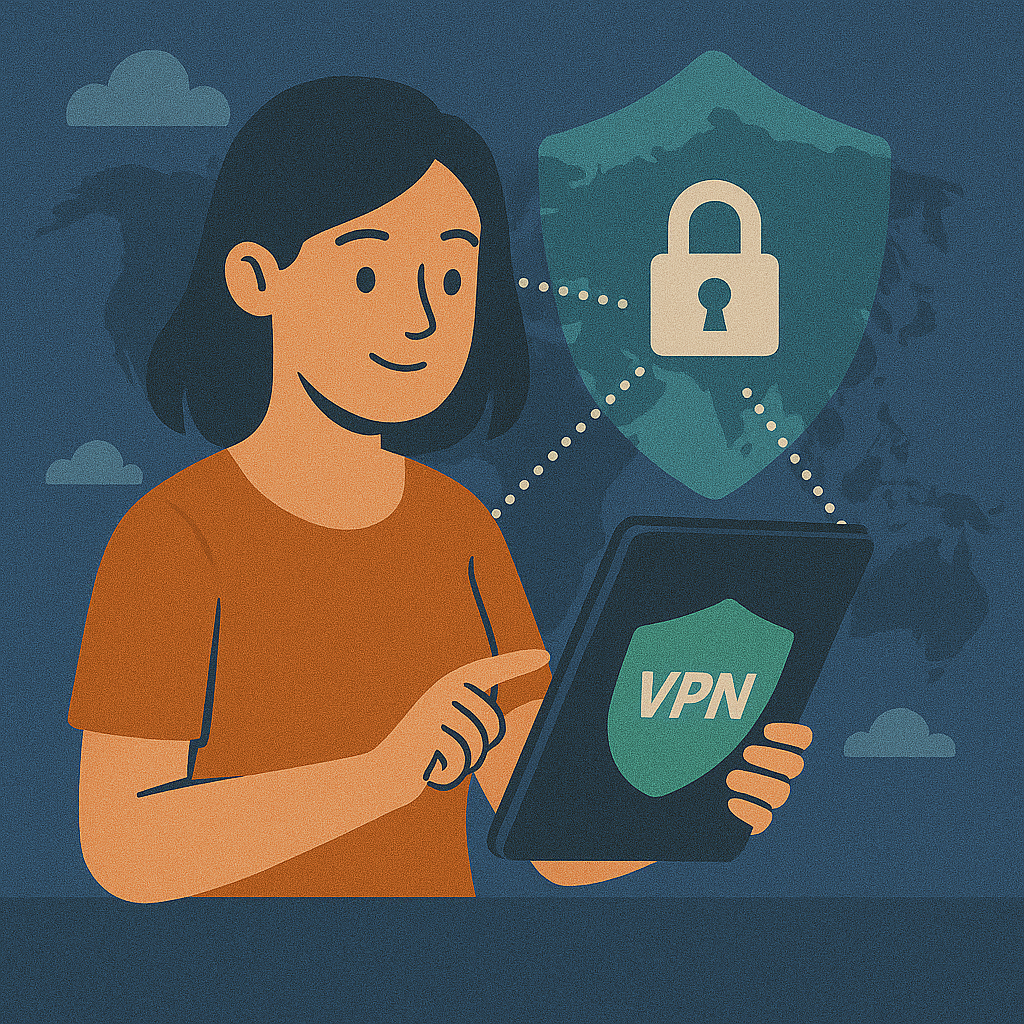
Quick answer
Torrenting is a peer-to-peer (P2P) system: your client shares pieces of a file with other peers in a swarm. The privacy risk is simple — other peers can see the IP address you connect from. A VPN helps by replacing your visible IP with the VPN server’s IP. But that protection is only reliable if your setup is leak-proof: a kill switch prevents “fallback to ISP” if the tunnel drops, and a DNS leak test confirms your DNS requests don’t go back to your ISP.
What a VPN changes in a torrent swarm
Without a VPN, peers see your real IP address. With a VPN, peers typically see the VPN exit IP — but only if traffic stays inside the tunnel. If your VPN drops for a few seconds and there’s no kill switch, your client can reconnect directly through your ISP and expose your IP again. That’s why “always-on + kill switch” matters more for P2P than for normal browsing.
(Encrypted)
(New IP)
(Seeding/Leeching)
Kill switch: the feature that saves your IP
For P2P, a kill switch is the difference between a controlled failure and an IP leak. If your Wi-Fi drops, your VPN server becomes unstable, or your laptop switches networks, your torrent client may keep running and simply route traffic through your normal connection. A kill switch blocks all traffic until the tunnel is restored.
VPN Connection Failure Scenarios
Real IP Exposed to Swarm
Privacy Maintained
In addition to a kill switch, many VPN apps offer a “bind to VPN” or “only use VPN” mode. If your torrent client supports network interface binding, use it — it’s an extra safety net. For tuning everything (privacy + speed), it helps to understand your protocol options in VPN protocols.
VPN vs Proxy for torrents
A proxy and a VPN are not the same. A standard proxy usually only changes IP for a single app and doesn’t encrypt traffic system-wide. It also doesn’t reliably handle DNS leak protection across your device. For P2P, a VPN with a kill switch and leak protection is typically the safer baseline.
VPN vs Proxy (P2P Security)
* Standard proxy usually changes IP only for the configured app and does not provide full encryption.
How to test your VPN (DNS, IPv6, WebRTC leaks)
Testing matters because leaks can happen after updates, profile changes, or switching protocols/servers. If your connection feels unstable or slow, combine leak checks with a VPN speed test so you can separate routing/performance problems from privacy problems.
3-Step Security Check
| Leak type | What can leak | What you want to see |
|---|---|---|
| DNS | DNS resolver (ISP), sometimes location | DNS belongs to VPN / trusted resolver, not your ISP |
| IPv6 | Your real IPv6 address | No real IPv6 shown (or IPv6 properly tunneled) |
| WebRTC | Local/private IP in browser contexts | Only VPN IP is visible (no local IP disclosure) |
US-specific reality check: privacy limits you should know
A VPN can reduce what your ISP can see, but it doesn’t erase everything that can identify you. If you log into accounts, accept tracking cookies, or reuse the same browser profile everywhere, you can still be recognized. Think of a VPN as network privacy — not identity invisibility. If you’re unsure where the line is, start with the basics in What is a VPN.
- Accounts beat IP: logging in links activity to your account regardless of VPN.
- Cookies/fingerprinting: sites can recognize your browser across IP changes.
- Leaks matter most for P2P: a short drop can expose your IP to peers.
- Speed vs privacy tradeoffs: multi-hop/obfuscation can reduce speed; test with speed tests.
Fixes by platform (Windows, macOS, Android, iOS, routers)
VPN behavior varies by device. Your goal is the same: keep traffic inside the tunnel and prevent fallback routes. If you need router-wide coverage, see VPN router setup.
| Platform | Common issue | Recommended fix |
|---|---|---|
| Windows | DNS leaks, app bypass | Enable kill switch, use VPN DNS, consider binding torrent client to VPN interface |
| macOS | DNS behavior changes | Use VPN DNS, enable “always-on” features if available, retest leaks |
| Android | Split tunneling mistakes | Use “Always-on VPN”, disable split tunneling for torrent-related apps |
| iOS | VPN drops in background | Enable auto-reconnect; avoid aggressive battery restrictions |
| Routers | IPv6/DNS mismatch | Disable IPv6 if not tunneled, set VPN DNS, keep firmware updated |
Troubleshooting checklist
If your VPN isn’t working as expected for P2P, run through this checklist. If your DNS results still show your ISP, go back to DNS leak fixes before changing everything else.
- Confirm the VPN is connected and showing the expected server/location.
- Run DNS/IPv6/WebRTC leak tests (and retest after any change).
- Enable the kill switch (and verify it actually blocks traffic on disconnect).
- Restart the torrent client and the VPN app (reboot if needed).
- Try a different protocol/server (see VPN protocols).
- Disable split tunneling for the torrent client and related traffic.
- Check firewall/security tools that might interfere with routing.
FAQ: common questions about VPN + torrenting
- Does a VPN make torrenting “anonymous”?
- No. A VPN reduces IP exposure in the swarm, but account logins, cookies, and fingerprinting can still identify you. Treat VPNs as one privacy layer.
- Is a proxy enough for torrenting?
- A standard proxy usually doesn’t provide full encryption or reliable DNS leak protection. For P2P, a VPN with kill switch + leak protection is typically safer.
- Should I use a free VPN for torrents?
- Many free VPNs restrict P2P or have unclear privacy policies. If you care about stability and leak protection, paid providers are usually more reliable.
- What’s the single most important VPN feature for torrenting?
- A kill switch — because it prevents IP exposure during disconnects.
- Can I improve P2P speed with a VPN?
- Sometimes. Choose a nearby P2P-friendly server, use modern protocols (WireGuard), and measure changes with a VPN speed test.
Conclusion
A VPN can make torrenting safer by reducing IP exposure in the swarm — but only if you build a leak-proof setup. Enable a kill switch, test DNS/IPv6/WebRTC leaks, and retest after changes. If you keep that routine, P2P becomes far more predictable and private in practice. For deeper P2P hardening, continue with VPN P2P safe.
Short video: VPN privacy explained in plain English
Key takeaway: the main job of a VPN is to separate who you are (your IP, ISP) from what you do (sites you access). A proper no-logs approach helps stop that bridge from being rebuilt later.
If the player doesn’t load, watch on YouTube: https://www.youtube.com/watch?v=rzcAKFaZvhE.
About the author
Denys Shchur is the creator of VPN World, focusing on practical, test-driven guides about VPNs, online privacy and secure remote work. He spends far too much time running speed tests and checking for DNS leaks, so you don’t have to.
Recommended VPN
Affiliate links (nofollow/sponsored).
Disclosure: VPN World may earn a commission if you subscribe via these links — without changing your price.