
VPN for Travel (UK): safer public Wi-Fi, leak tests & realistic geo-block tips
Quick answer: If you travel with a UK phone/laptop and use hotel or airport Wi-Fi, a VPN is worth it. It encrypts your connection and reduces local network snooping — but it won’t stop phishing, malware, or app tracking. Enable a kill switch and run DNS/IPv6/WebRTC leak tests before relying on it.
This guide is practical on purpose: the settings that prevent “oops, I leaked” moments during network changes, plus a checklist for banking, work, and streaming while you’re abroad.

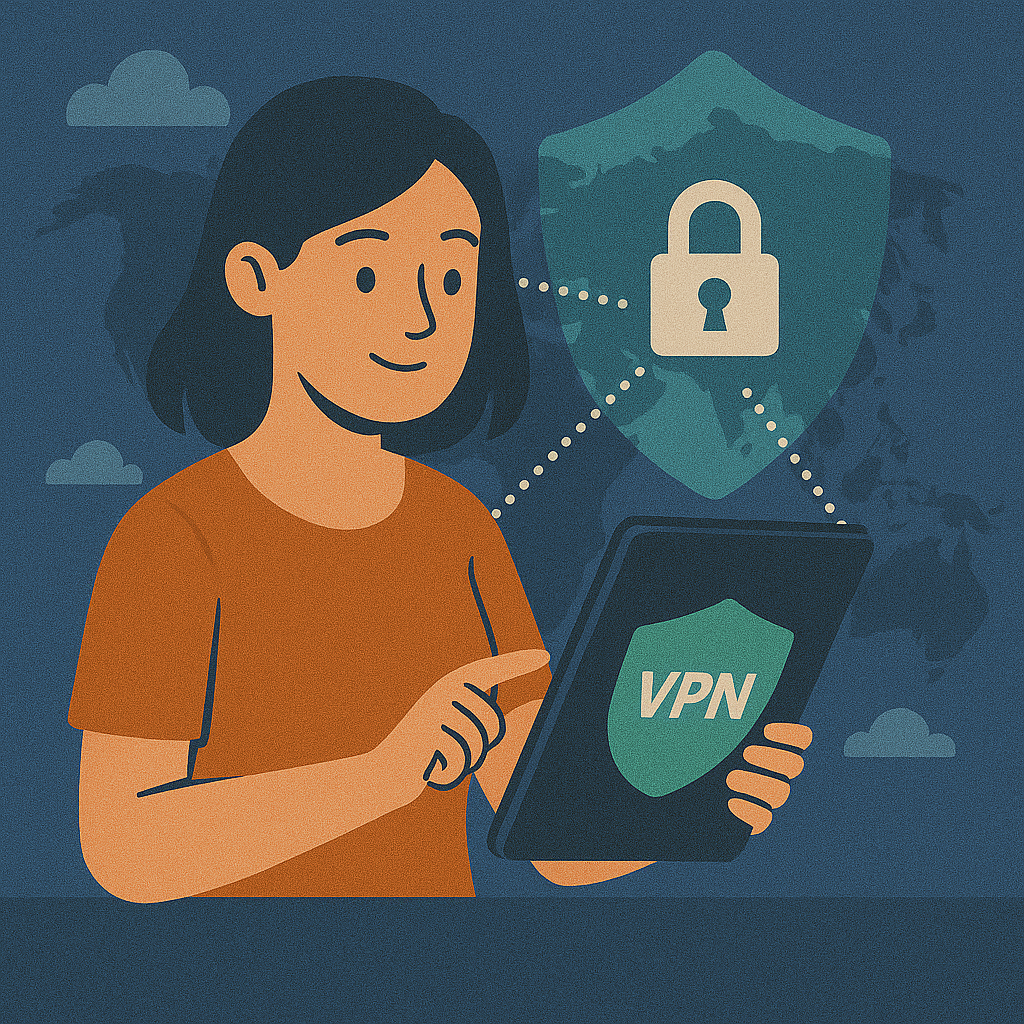
Quick answer: when a travel VPN is genuinely useful
Related: What is a VPN?
Travelling means constant network changes: airport Wi-Fi, hotel Wi-Fi, café hotspots, and random mobile roaming. The biggest real-world risk is not “Hollywood hacking” — it’s the messy combination of unknown networks, rushed logins, and devices that reconnect automatically.
A VPN helps most in two situations: (1) public Wi-Fi (it encrypts the network path), and (2) reducing IP-based tracking (your public IP becomes the VPN server’s IP). It does not make you anonymous, and it does not stop phishing or malware. If your travel routine includes work tools or banking, pair a VPN with 2FA/MFA.
The three travel scenarios that matter most
Related: VPN on public Wi-Fi (UK)
| Scenario | Risk without a VPN | What a VPN changes |
|---|---|---|
| Hotel / airport Wi-Fi | Local network snooping, “evil twin” hotspots | Encrypts traffic to the VPN server |
| Banking & account logins | Higher exposure if the network is hostile | Safer network path (still use 2FA) |
| Streaming & geo-blocks | Region restrictions | May help, not guaranteed |
If you’re doing anything money-related while abroad, read this alongside: VPN for online banking (UK).
Performance impact: speed, stability and why “nearby server” wins
Related: VPN speed test (UK)
On the road, your bottleneck is often the network itself (crowded hotel Wi-Fi, weak signal, roaming). A VPN adds overhead (encryption + routing), which is why choosing the right server matters more than chasing “maximum speed”. For calls, remote work, and banking, stability and latency usually beat raw download numbers.
Performance Impact: Travel Scenarios
| Connection Type | Speed Loss | Stability | Best For |
|---|---|---|---|
| Direct (No VPN) | 0% | High | Basic browsing |
| VPN (Nearby Server) | 5–10% | High | Banking, Work, Privacy |
| VPN (Far Server, e.g. USA) | 20–40% | Medium | Streaming UK content abroad |
| Double VPN / Multi-Hop | 50%+ | Low | Maximum anonymity only |
If you want to understand what’s happening under the hood (and how protocol choice changes performance), see: VPN protocols (UK).
Geo-blocks and streaming abroad: set expectations
Related: VPN geo-blocks (UK)
VPNs can help with region restrictions, but streaming platforms actively detect and block many VPN IP ranges. The practical workflow is: try a different server, then a different region, then a different provider. If streaming is your primary goal, start here: VPN for streaming (UK), and for the common UK case: VPN for BBC iPlayer.
How your data travels via a Travel VPN
Your Device
Data Encrypted
Public Wi-Fi
Secure Tunnel
VPN Server
IP Masked
Internet
Safe Access
Leak risks while travelling: DNS, IPv6 and WebRTC
Related: VPN DNS leak (UK)
The most common travel mistake is trusting the VPN icon without testing. DNS leaks reveal which domains you request, IPv6 leaks can expose your real address if the VPN doesn’t handle IPv6 properly, and WebRTC can reveal IP data inside the browser. This matters most after OS updates and after switching between Wi-Fi and mobile data.
| Leak type | What can be exposed | Common travel trigger | Fast fix |
|---|---|---|---|
| DNS leak | Visited domains (via DNS requests) | Network change, app/OS update | Enable DNS leak protection; retest |
| IPv6 leak | Real IPv6 address | Hotel ISP provides IPv6 | Use IPv6-capable VPN or disable IPv6 |
| WebRTC leak | IP in browser context | Browser features / extensions | Restrict WebRTC; keep browser clean |
Travel checklist: what to set before you leave the UK
If you only do five things, do these before you board the plane — it removes most “VPN failed me” cases:
- Install and test the VPN at home once (known-good baseline).
- Enable kill switch and verify it actually blocks traffic when you disconnect. Guide: VPN kill switch (UK).
- Run leak tests (IP/DNS/IPv6/WebRTC) and keep a screenshot for comparison.
- Enable auto-connect on unknown Wi-Fi (if your VPN supports it).
- Update OS + VPN app + browser before you travel (not on hotel Wi-Fi).
If you use split tunnelling for convenience (e.g. local apps outside the VPN), be cautious — it’s easy to accidentally exclude a browser or banking app. Read: split tunnelling (UK).
Device fixes on the road (Windows, macOS, Android, iOS, router)
Travel networks can be messy, and your device can behave differently after a captive portal login or a roaming switch. These are the fixes that solve the majority of cases without guesswork:
| Platform | Common travel problem | What usually fixes it |
|---|---|---|
| Windows | DNS leaks / unstable reconnects | Enable kill switch; retest DNS; consider protocol change |
| macOS | Permissions / tunnel drops | Update VPN app; re-allow network permissions |
| Android | App bypasses VPN | Always-on VPN; disable exclusions / risky split tunnelling |
| iOS | Doesn’t reconnect after switching networks | Enable “connect on demand”; check background settings |
| Router | Slow speeds | Check router CPU; use modern protocol; consider app-based VPN |
Setup guides if you need platform-specific steps: Windows, macOS, Android, iOS, Router.
Troubleshooting: hotel Wi-Fi, captive portals and “VPN won’t connect”
Many hotels use captive portals (a login page). Often the fastest approach is: connect without VPN, complete the portal, then enable the VPN. If the VPN still won’t connect, switch protocol or server region (nearby first).
- Connect to Wi-Fi and open a browser without VPN to complete the portal (if needed).
- Enable the VPN and pick a nearby server.
- Switch protocol (e.g. WireGuard ⇄ OpenVPN/IKEv2): protocols.
- If streaming is blocked, try a different server/region.
- Only then consider reinstalling the app or rebooting.
FAQ: travel VPN questions (UK)
- Do I need a VPN when travelling from the UK?
- If you use public Wi-Fi or log into sensitive accounts, it’s a strong extra layer. Pair it with 2FA/MFA and updates.
- Will a VPN unblock UK streaming abroad?
- Sometimes. Streaming providers block many VPN IPs. Server switching helps; results vary.
- What’s the most important setting?
- Kill switch. It prevents accidental exposure during drops and network changes.
- How do I know if my VPN is leaking?
- Check IP/DNS/IPv6/WebRTC. If ISP DNS or your real IP appears, fix before using public Wi-Fi.
- Does a VPN stop phishing and malware?
- No. Use cautious browsing, OS updates and security basics alongside a VPN.
Conclusion
Related: No-logs VPN (UK)
A VPN is most valuable on the road when you rely on unknown networks: hotel/airport Wi-Fi, roaming, and quick logins. To make it “production reliable”, focus on the boring bits that prevent leaks: kill switch, leak testing, and a nearby server for stability. For banking and work travel, keep 2FA/MFA on and your devices updated.
Short video: VPN privacy explained in plain English
Key takeaway: the main job of a VPN is to separate who you are (your IP, ISP) from what you do (sites you access). A proper no-logs approach helps stop that bridge from being rebuilt later.
If the player doesn’t load, watch on YouTube: https://www.youtube.com/watch?v=rzcAKFaZvhE.
About the author
Denys Shchur is the creator of VPN World, focusing on practical, test-driven guides about VPNs, online privacy and secure remote work. He spends far too much time running speed tests and checking for DNS leaks, so you don’t have to.
Recommended VPN
Affiliate links (nofollow/sponsored).
Disclosure: VPN World may earn a commission if you subscribe via these links — without changing your price.